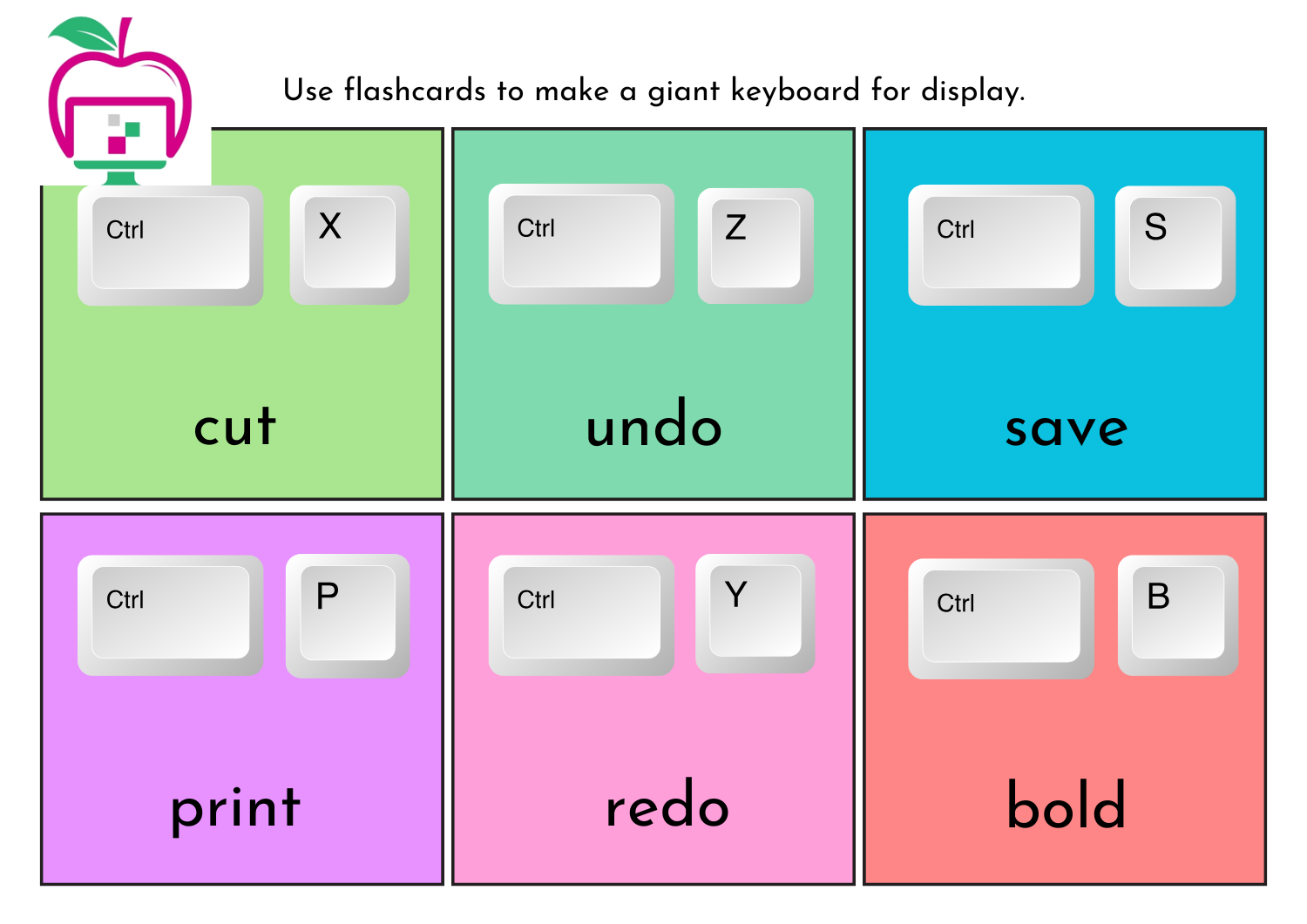
Computer Shortcut keys
Boost your productivity and efficiency with these helpful tips and tricks!
Basic Computer Tips
– Use Strong Passwords: Protect your accounts with unique and strong passwords.
– Keep Your OS Updated: Ensure you have the latest security patches and features.
– Use Antivirus Software: Safeguard your computer from malware and viruses.
– Back Up Your Data: Secure your important files with regular backups.
Shortcut Keys
– Navigation
– Ctrl + C: Copy
– Ctrl + V: Paste
– Ctrl + Z: Undo
– Ctrl + A: Select all
– Browser
– Ctrl + N: New window/tab
– Ctrl + T: New tab
– Ctrl + Shift + T: Reopen closed tab
– Alt + Tab: Switch between open windows
Website Navigation
– Zoom: Ctrl + Plus sign (+) (in), Ctrl + Minus sign (-) (out)
– Scroll: Spacebar (down), Shift + Spacebar (up)
Browser Shortcuts
– Address Bar: Ctrl + L
– Refresh: F5
– Go Back/Forward: Alt + Left/Right arrow
More Tips
– Bookmarks: Save frequently visited websites for easy access.
– Browser Extensions: Enhance your browsing experience with useful extensions.
– Clear Browsing History: Maintain your privacy by regularly clearing your browsing history.
By following these tips and tricks, you’ll be able to work more efficiently and effectively on your computer. Happy browsing!
Related Post
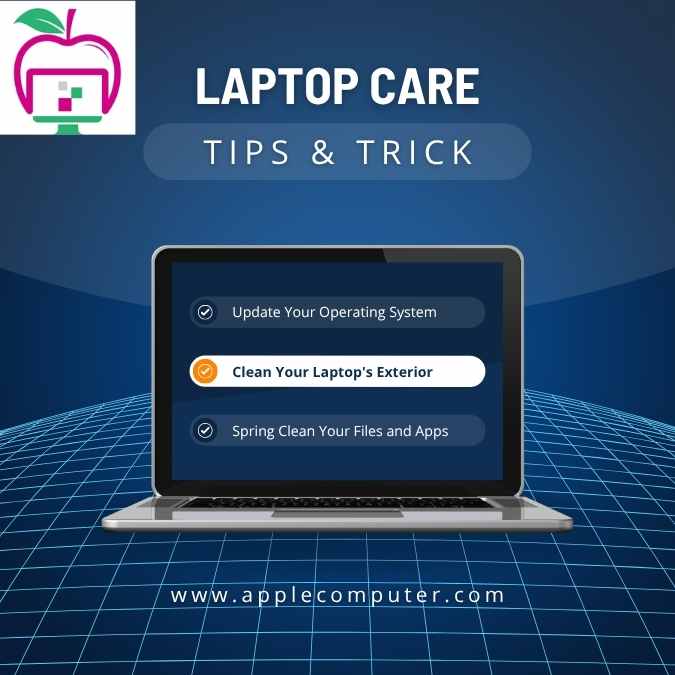
Computer Tips and Tricks
Boost Your Laptop’s Performance and Protection: Expert Tips and Tricks Are you tired of dealing [...]
CCTV Camera System’s Tips and Tricks
Boost Your CCTV Camera System’s Performance: Expert Tips and Tricks Is your CCTV camera system [...]