
Computer Tips and Tricks
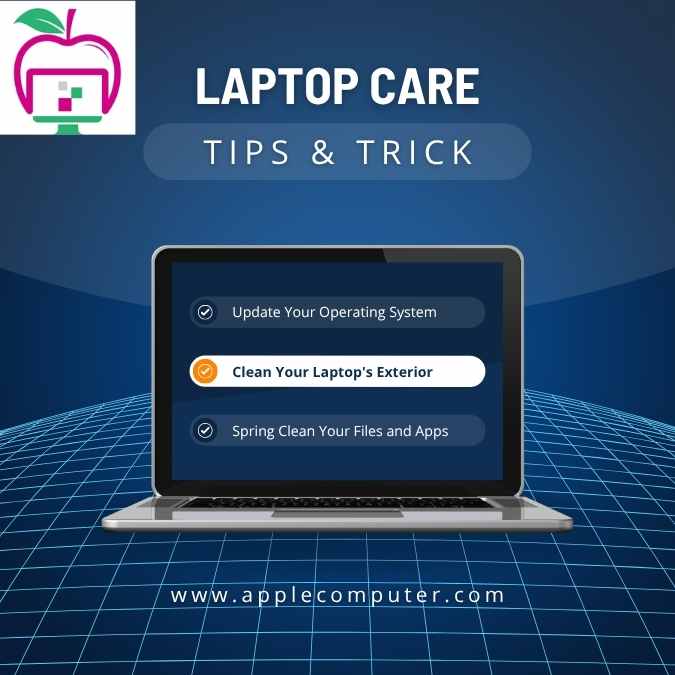
Boost Your Laptop’s Performance and Protection: Expert Tips and Tricks
Are you tired of dealing with a slow laptop? Do you want to protect your device from damage and ensure it’s running at its best? Look no further! In this comprehensive guide, we’ll share expert tips and tricks to boost your laptop’s performance and protection.
Protecting Your Laptop: Why It Matters
Your laptop is a valuable investment, and protecting it from damage is crucial. Not only can repairs be costly, but you may also lose important files and data. By following these simple tips, you can help prevent damage and ensure your laptop remains in good condition.
Tips to Protect Your Laptop
1. Use a Screen Protector: A screen protector can help prevent scratches and cracks on your laptop’s display. It’s a small investment that can save you from costly repairs down the line.
2. Invest in a Good Case: A durable laptop case or sleeve can protect your device from physical damage. Look for a case that’s specifically designed for your laptop model and made from high-quality materials.
3. Keep Your Laptop Clean: Dust and dirt can accumulate in your laptop’s vents and crevices, causing it to overheat. Regularly clean your laptop’s keyboard, vents, and screen to keep it running smoothly.
4. Use Strong Passwords: Use strong and unique passwords for your laptop and accounts to prevent unauthorised access. Avoid using easily guessable information like your name or birthdate.
5. Keep Your Operating System Up-to-Date: Regularly update your operating system to ensure you have the latest security patches and features. This will help protect your laptop from malware and viruses.
6. Use Antivirus Software: Install reputable antivirus software to protect your laptop from malware and viruses. Make sure to regularly update the software to ensure you have the latest protection.
7. Back Up Your Data: Regularly back up your important files to an external hard drive or cloud storage service. This will ensure your files are safe in case your laptop is damaged or stolen.
Boosting Your Laptop’s Performance
Is your laptop running slow? Don’t worry, we’ve got you covered! Here are some expert tips to boost your laptop’s performance:
1. Upgrade Your RAM: Adding more RAM can significantly improve your laptop’s performance and speed. Check if your laptop’s RAM can be upgraded and consider adding more.
2. Use a Solid-State Drive (SSD): Consider replacing your traditional hard drive with a faster SSD. This will improve loading times and overall performance.
3. Close Unnecessary Programs: Close any unnecessary programs or background applications to free up memory and CPU resources.
4. Disable Startup Programs: Disable any unnecessary programs from starting up automatically when you boot your laptop. This will help improve startup times and overall performance.
5. Clear Browser Cache: Regularly clear your browser cache and cookies to improve browsing performance.
6. Update Your Operating System: Keep your operating system up-to-date to ensure you have the latest performance optimizations and security patches.
7. Use a Laptop Cooling Pad: Use a laptop cooling pad to prevent overheating, which can slow down your laptop’s performance.
By following these tips and tricks, you can boost your laptop’s performance and protection. Remember to regularly maintain your laptop to ensure it remains in good condition. Whether you’re a student, professional, or gamer, these tips will help you get the most out of your laptop.
Conclusion
Protecting your laptop and boosting its performance requires regular maintenance and attention. By following these expert tips and tricks, you can ensure your laptop remains in good condition and runs at its best. Don’t wait until it’s too late – take action today and enjoy a faster, more secure laptop experience!
Related Post
Printer Tips and Tricks
Boost Your Printer’s Performance: Expert Tips and Tricks Is your printer not performing as well [...]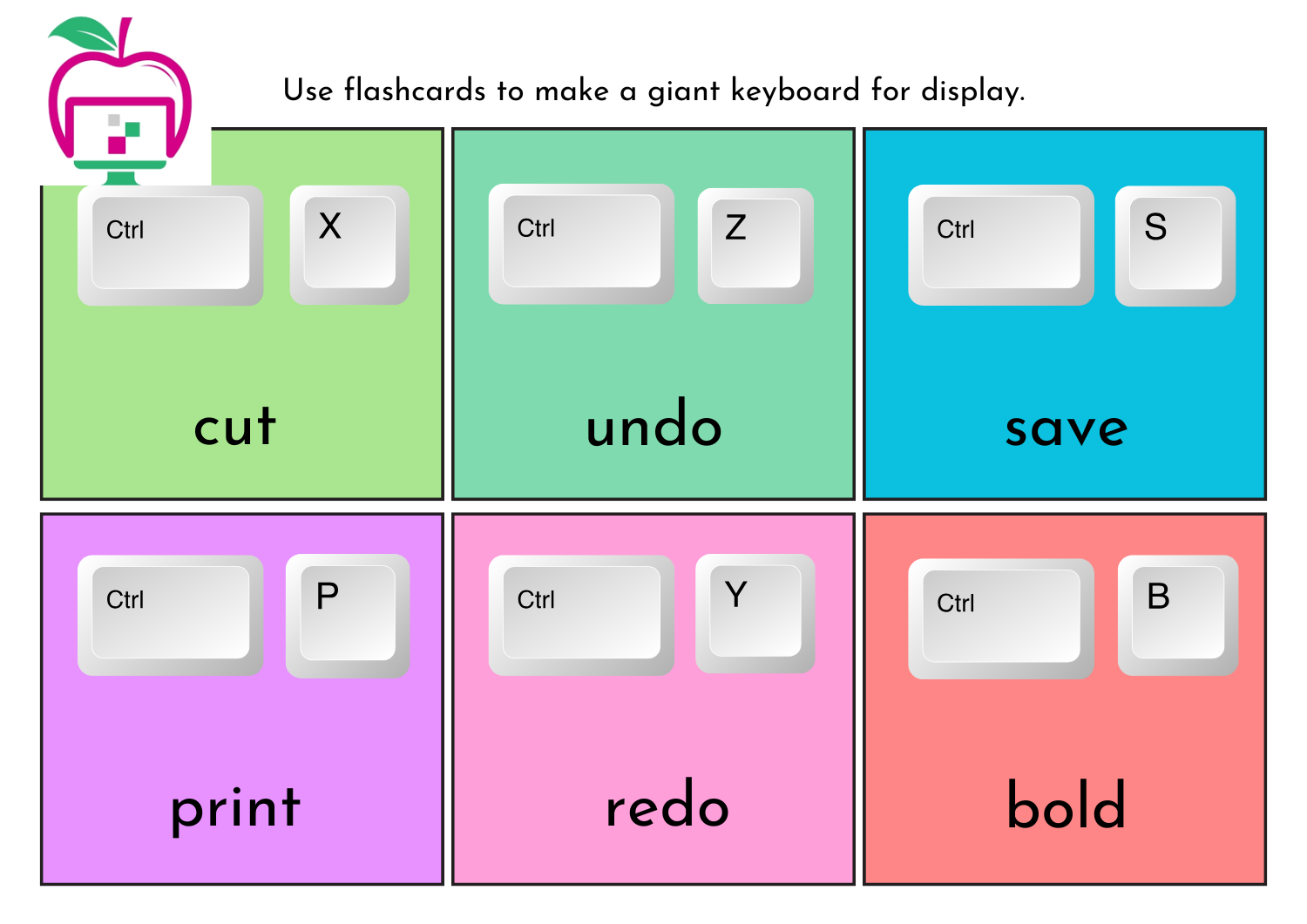
Computer Shortcut keys
Boost your productivity and efficiency with these helpful tips and tricks! Basic Computer Tips – [...]